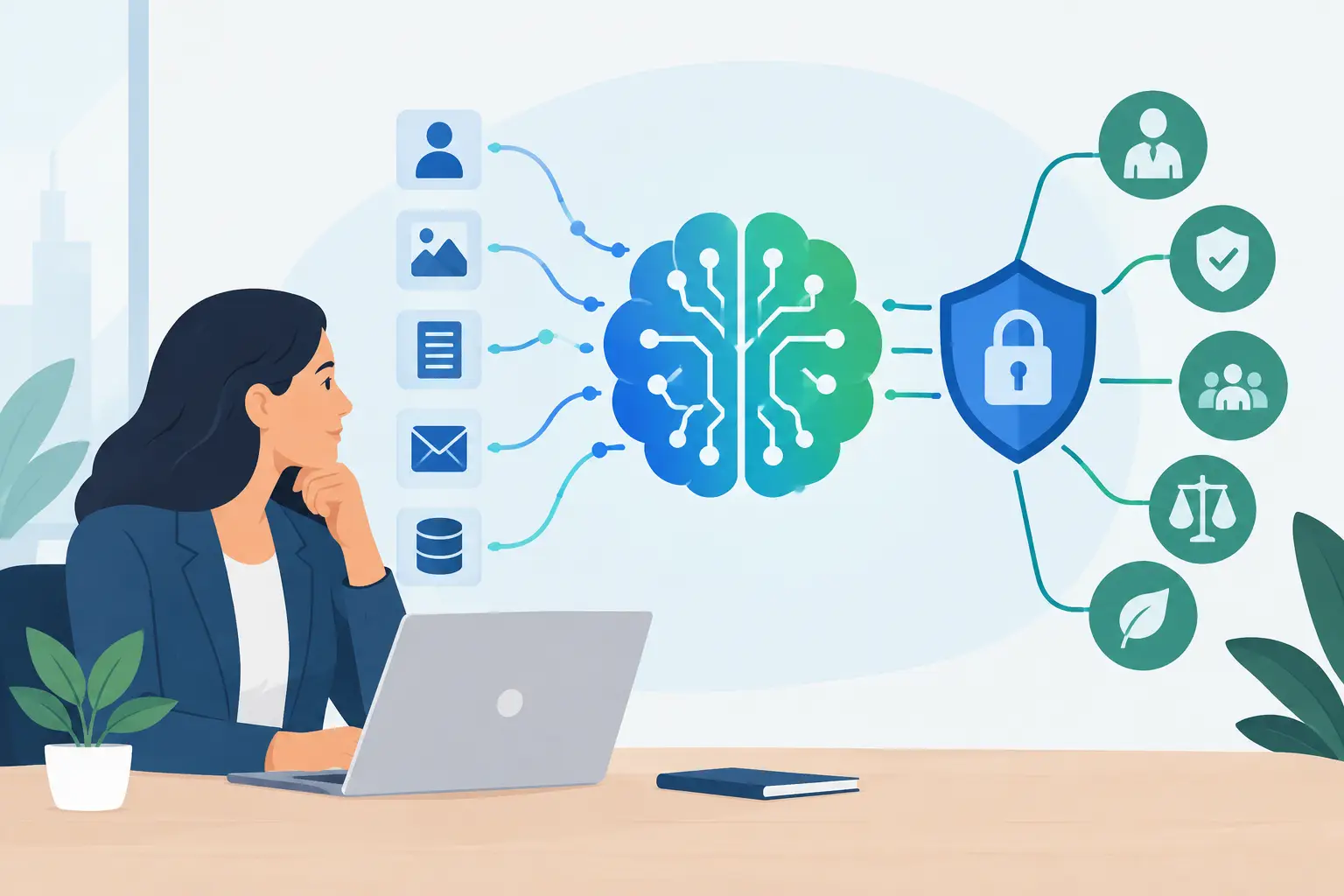
A team pastes a customer complaint into a generative AI tool to draft a response. Another uploads a contract for review. A developer sends production logs to troubleshoot code. Each action can create a record outside the systems the organization already governs. That is why the question, “what data can AI retain,” is a business and governance question, not just a technical one.
AI retention can affect privacy, confidentiality, security, legal discovery, regulatory obligations, and customer trust. It also varies sharply by tool, account type, configuration, contract terms, and the way employees use the system. A useful policy starts with that reality: no organization should assume an AI tool forgets information simply because the interaction feels temporary.
What Data Can AI Retain?
An AI system may retain far more than the final answer displayed on screen. Depending on the product and its settings, retained information can include prompts, uploaded files, conversation history, generated outputs, user feedback, account details, and technical logs. Some systems may also preserve metadata, such as timestamps, IP addresses, device information, model versions, or usage patterns.
Retention does not always mean the data is stored indefinitely or that it becomes part of model training. Those are separate questions. A provider may keep a prompt for a limited period to detect abuse, maintain service reliability, or investigate security incidents without using that prompt to improve a foundation model. Conversely, a consumer-facing tool may permit data use for product improvement under terms that differ from an enterprise offering.
For governance purposes, leaders should distinguish among four practical categories:
- Conversation and input data: prompts, chat histories, files, images, audio, code, and documents users submit.
- Output data: AI-generated summaries, analyses, recommendations, code, and other responses that may be saved by the provider or copied into internal systems.
- Operational data: logs, account identifiers, access records, error reports, telemetry, and security events.
- Derived data: embeddings, indexes, classifications, annotations, safety signals, and other artifacts created to make an AI feature work.
Derived data often receives too little attention. For example, an organization may upload internal documents to an AI search tool that creates embeddings for retrieval. Even if the original file is deleted, the organization should understand whether associated indexes, backups, or logs remain and how they are removed.
Context windows are not the same as storage
Many AI tools use information from the current conversation to produce a relevant response. This is sometimes called context. Context may disappear from the active session after a period, but that alone does not answer whether the provider retains a transcript, diagnostic record, or safety log elsewhere.
Ask for both answers: how long does the model use information during a session, and how long does the service retain information in any form? A vendor’s privacy notice, enterprise agreement, security documentation, and administrative settings may each address a different part of that lifecycle.
Training use is a separate governance decision
The most common retention concern is whether prompts or files will train future models. This concern is valid, especially when employees handle customer data, financial information, product plans, source code, or regulated records.
Still, “not used for training” should not be treated as a complete control statement. Data may still be processed, logged, temporarily cached, reviewed for abuse prevention, retained for legal reasons, or accessed by authorized support personnel under defined circumstances. The right question is broader: what data is collected, where does it go, why is it retained, who can access it, and how is it deleted?
Why AI Data Retention Creates Business Risk
Retention becomes risky when the organization lacks visibility and control. If employees use unapproved public tools, the business may not know what information was submitted, where it is stored, or whether deletion is possible. That uncertainty makes it harder to respond to an access request, a security incident, a customer inquiry, or a legal hold.
The impact depends on the data involved. A prompt asking for marketing taglines carries a different risk profile than a prompt containing a patient record, employee performance detail, export-controlled design, or nonpublic financial result. Organizations should classify AI use by data sensitivity and business impact rather than applying a single rule to every tool.
Retention also affects accountability. If an AI system provides a recommendation that influences hiring, credit, insurance, healthcare, customer service, or security operations, records may be needed to explain how the result was produced and reviewed. Deleting everything immediately can create its own problem. The goal is not zero retention in every case. The goal is intentional, documented retention that supports legitimate operational and legal needs without keeping sensitive data longer than necessary.
Build an AI Retention Standard That People Can Follow
A workable standard begins with approved-use boundaries. Define which AI tools are permitted, which account tiers and configurations are required, and what categories of data employees may enter. A policy that simply says “use AI responsibly” gives teams too little direction when speed matters.
Start by identifying high-risk data categories. These typically include personal information, protected health information, payment data, credentials, confidential client material, unpublished financial information, proprietary source code, legal advice, and records subject to contractual or regulatory restrictions. Specify whether these categories are prohibited, allowed only in approved enterprise environments, or permitted after de-identification.
Next, set retention expectations for each approved use case. A customer-support assistant may need short-term transcript retention for quality assurance and issue resolution. An internal drafting tool may need no long-term conversation history at all. An AI knowledge base may require document retention and version control, but should also have a clear deletion process when source material changes or access rights end.
The policy should assign owners. Legal and privacy teams may interpret obligations. Information security can evaluate access controls, encryption, logging, and vendor assurance. Data owners can decide what information is appropriate for a workflow. Business leaders remain responsible for ensuring their teams use the tool within approved boundaries. Shared input is useful, but responsibility should never become so diffuse that no one can approve or stop a risky use case.
Questions to ask every AI vendor
Before approving a tool, request clear answers in writing. What customer data is retained, including logs and derived artifacts? What is the default retention period, and can administrators change it? Is customer data used for model training or product improvement? Where is data processed and stored? Who can access it, including subprocessors and support teams? How are deletion requests handled, including backups? What security controls protect the environment? And what happens to data when the contract ends?
The answers should be matched to the actual deployment. A vendor may offer strong enterprise terms, while employees are using personal accounts with different settings. Governance has to cover the product in use, not only the product procurement intended to buy.
Put Controls Into the Employee Workflow
The best retention rule is one people can apply in seconds. Give employees a short decision path: use an approved tool, do not enter restricted data, remove direct identifiers when possible, and escalate uncertain use cases before submission. This reduces reliance on employees parsing lengthy legal terms during a busy workday.
Administrative controls matter just as much. Enable enterprise privacy settings where available, limit data sharing and training options, control access through single sign-on, restrict third-party integrations, and maintain an inventory of approved AI systems. Review conversation-history settings and deletion functions instead of assuming default settings match organizational policy.
Training should use realistic examples. Show staff how an apparently harmless prompt can expose a customer name in a pasted email chain, a secret in a code snippet, or a sensitive fact in a document’s metadata. Teams are more likely to follow controls when they understand the specific behavior the control is designed to prevent.
Make Retention Review Part of AI Governance
AI tools change quickly. Providers update models, terms, features, integrations, and retention options. A one-time vendor review can become outdated while the tool remains widely used. Schedule periodic reviews, especially when a system begins handling new data types, reaches more users, or affects material business decisions.
Document the result in a format leaders can use: the AI use case, data categories, retention settings, vendor commitments, access controls, identified gaps, and accountable owner. This creates evidence that the organization considered risk before expanding AI use, rather than trying to reconstruct decisions after an incident.
A structured assessment can make this practical. Alignora’s free AI Risk Checkup helps organizations identify AI-related exposures and generate a professional governance report in about five minutes, creating a useful starting point for retention, privacy, security, and oversight discussions.
The right retention posture is rarely “keep everything” or “keep nothing.” It is a clear decision about what information an AI system needs, how long it may retain it, and who is accountable for enforcing that decision before sensitive data leaves the organization’s control.